
This setting is found in the start wizard in Kilter Remote, which you go through each time you begin an autonomous operation.
By default, spraying is turned off in headland areas, meaning the AX-1 stops spraying as it reaches the end of a row, turns around, and resumes spraying once it is aligned on the next row. This is the recommended setting for most situations, as the robot's turning movement reduces positioning accuracy and spray placement in the headland zone.
If you want the AX-1 to also treat weeds in the headlands, you can turn this option on. Keep in mind that headland spraying will increase herbicide consumption and slow down the turning cycle. For most fields this trade-off is not worth it, but the option is there if your situation calls for it.
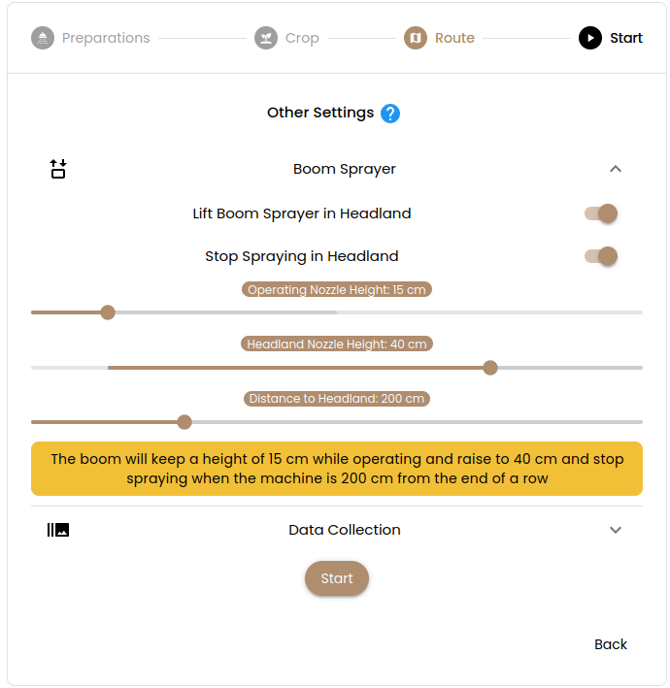 Figure 1. Other settings screenshot - Kilter Remote app
Default ON - stops spraying in headland areas where the robot turns around
Can be set OFF - to spray headlands too
Recommendation: leave headland spraying off unless you have a specific reason to treat that area.