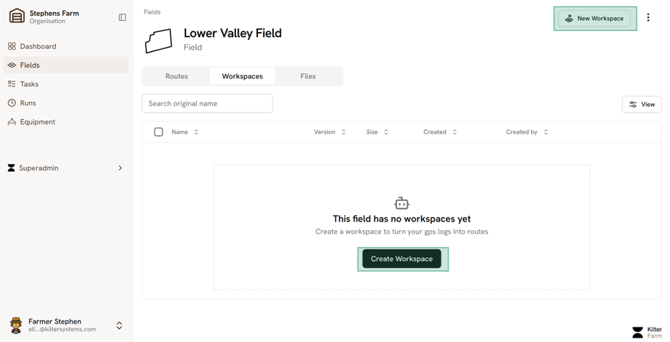
Create a new workspace under the Field in question.
Select the relevant files
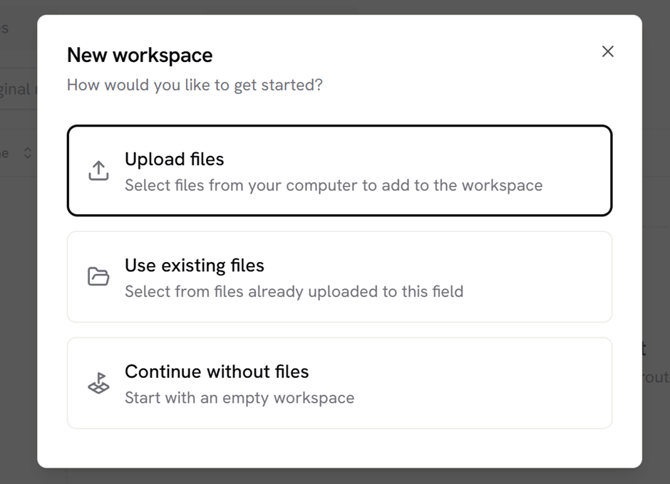
Then select ‘Help me build my route’
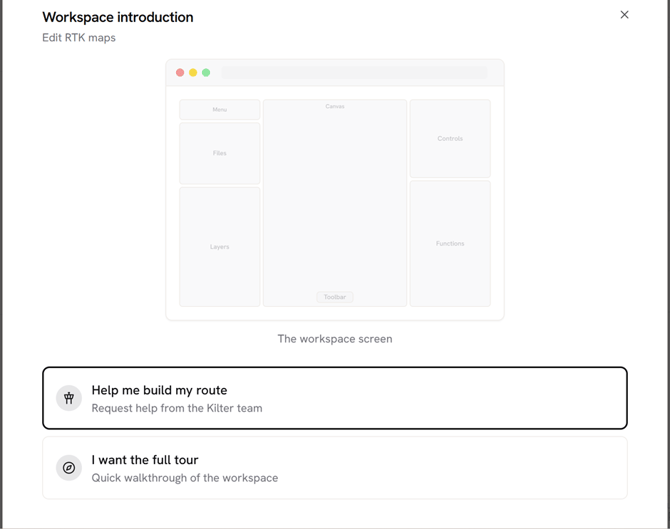
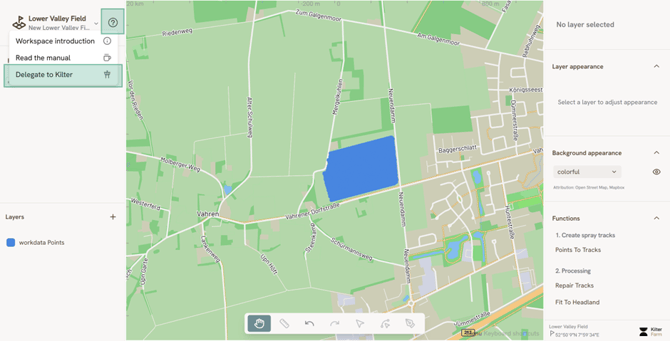
Follow the steps in the instruction and it will lead you to the question mark button on the top left, where you can delegate a route to be made by the Kilter Support Team. If you do not get this pop-up when you open your workspace, click the question mark on the top left directly.
Please review in the map that the uploaded geodata from your files belong to the correct field
Add any additional info about the field that might be necessary in order for the Kilter team to complete the route:
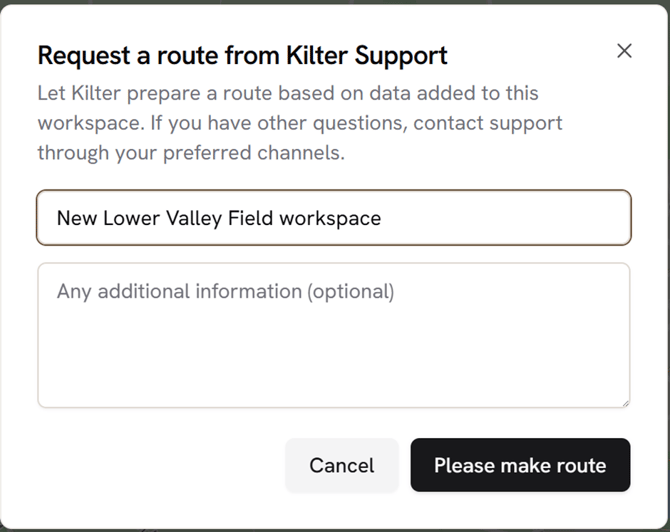
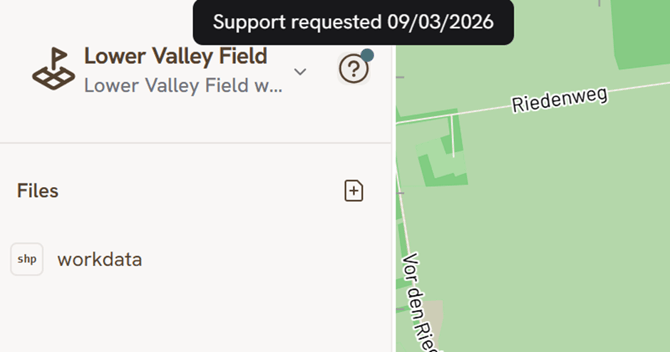
After hitting ‘Please make route’, the button should indicate that the request has been sent with a small blue dot.