![kilterlogo big_big.png]](https://learn.kiltersystems.com/hs-fs/hubfs/kilterlogo%20big_big.png?height=40&name=kilterlogo%20big_big.png)
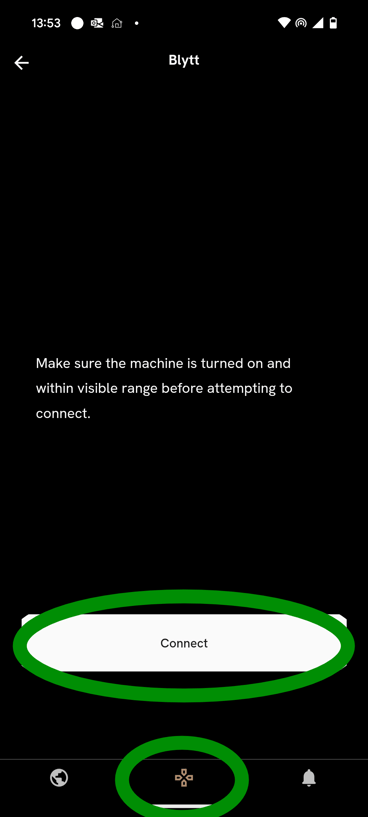
It is time to take your robot out on a stroll. Standing next to you powered on robot, open the Kilter App, select you robot and connect to the robot by clicking "Connect" in the view below.
This will land you on the Home page of Kilter Remote. From here chose Control Panel from the lower right corner, and select the wheel in the sub menu. 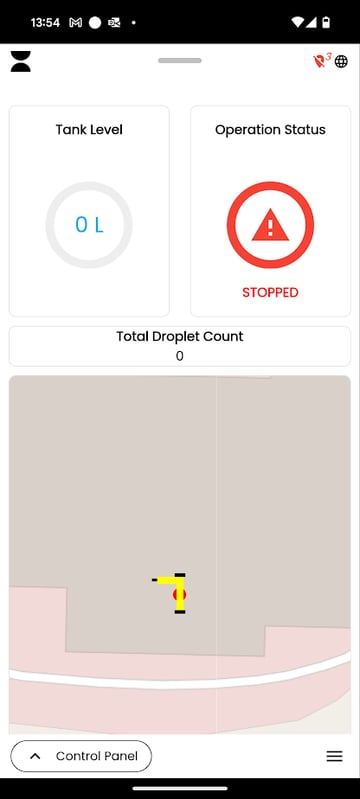
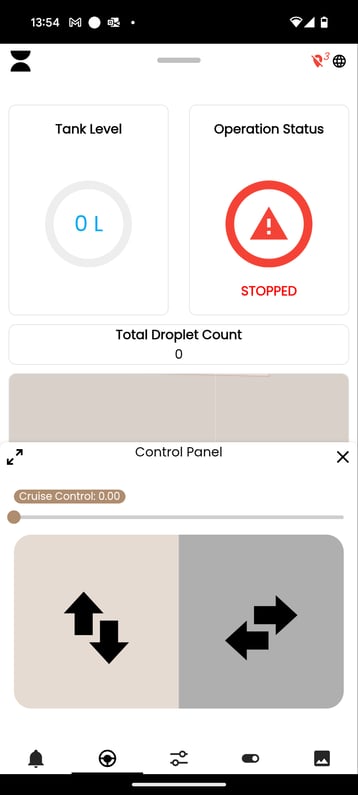
Place a thumb in each of the areas with the arrows, drive back and forth with your left thumb and turn with your left thumb.