![kilterlogo big_big.png]](https://learn.kiltersystems.com/hs-fs/hubfs/kilterlogo%20big_big.png?height=40&name=kilterlogo%20big_big.png)
The machine is remotely controlled via the Kilter Remote application on mobile devices or tablets. These devices function as the machine's control unit. Through the app, you can control the machine, monitor operations, manage driving routes, and configure spray settings. Without this application, it is not possible to operate the machine, as it lacks an integrated control panel or alternative control methods.
Connection
The AX-1 has an integrated local Wi-Fi network available for connection when the machine's main power switch is turned on.
Note: In some cases, it may take up to 2 minutes after turning on the main power switch before the robot becomes available for connection.
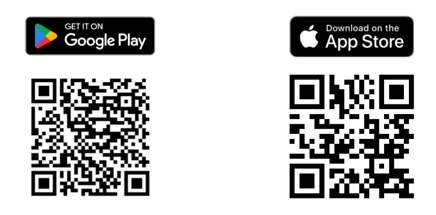
To use the application, you need a mobile device or tablet with Kilter Remote installed. The app can be downloaded from the App Store (for Apple users) or Google Play (for Android users). See the QR codes below for download links. Wi-Fi must be enabled on your device during the connection process.
Registering a User in Kilter Remote
-
Account Creation:
Upon purchasing the AX-1, a user account is automatically created and sent to your email. For additional user accounts, contact your customer representative. Use your account credentials to log in.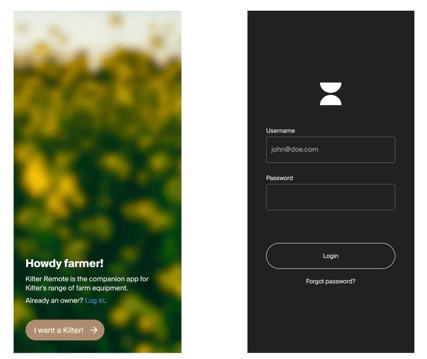
-
Connecting to the Machine:
After logging in, you will see a list of available machines associated with your account. Select your AX-1 to connect via the machine's internal Wi-Fi. Click “Connect”.It will take approximately 1 minute from powering on the AX-1 before it can connect to a tablet or mobile device, which will then function as the machine's control unit.